Starter
$0.99one-time
- 1 conversion
- Outline only
Needmo Ink
Photo retouching, stencil conversion, and Tattoo Mode — all in one app.
Create Stencil →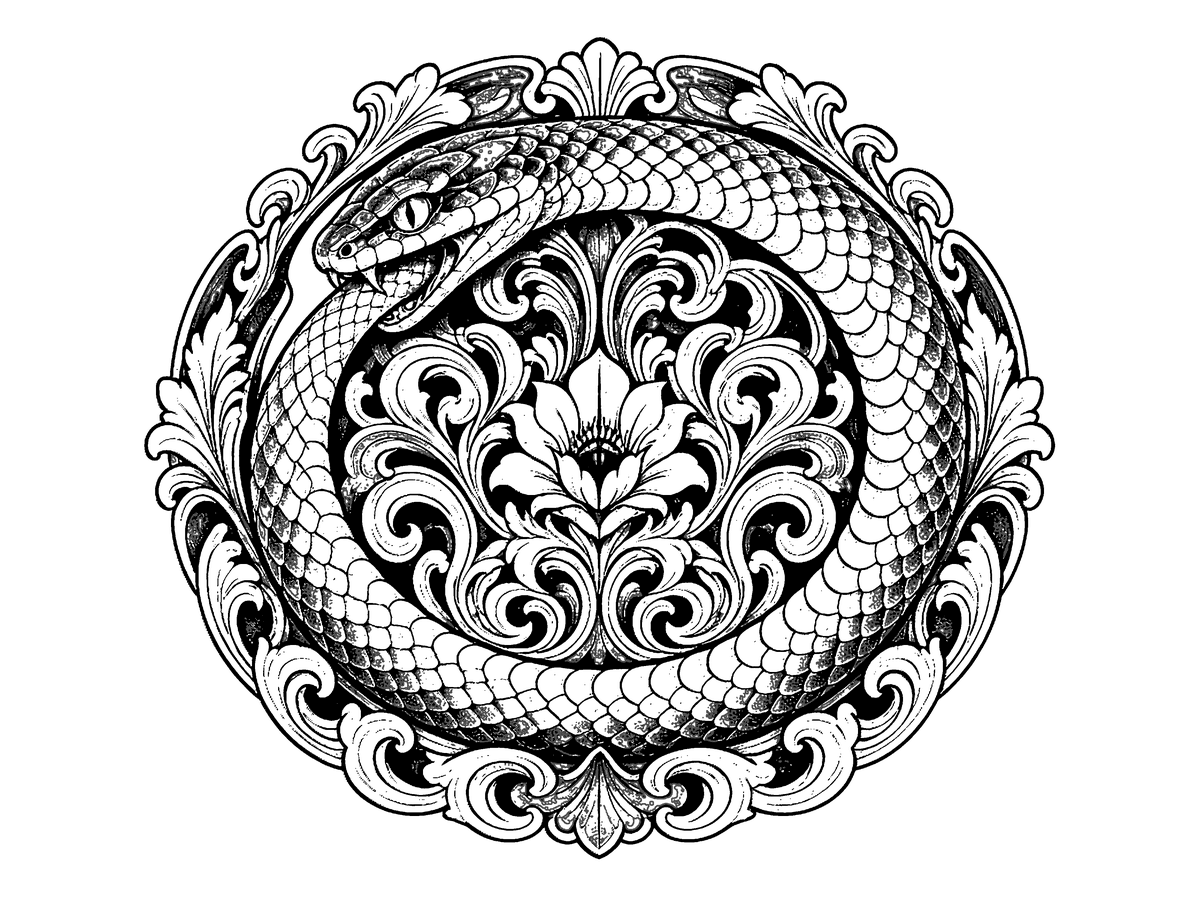

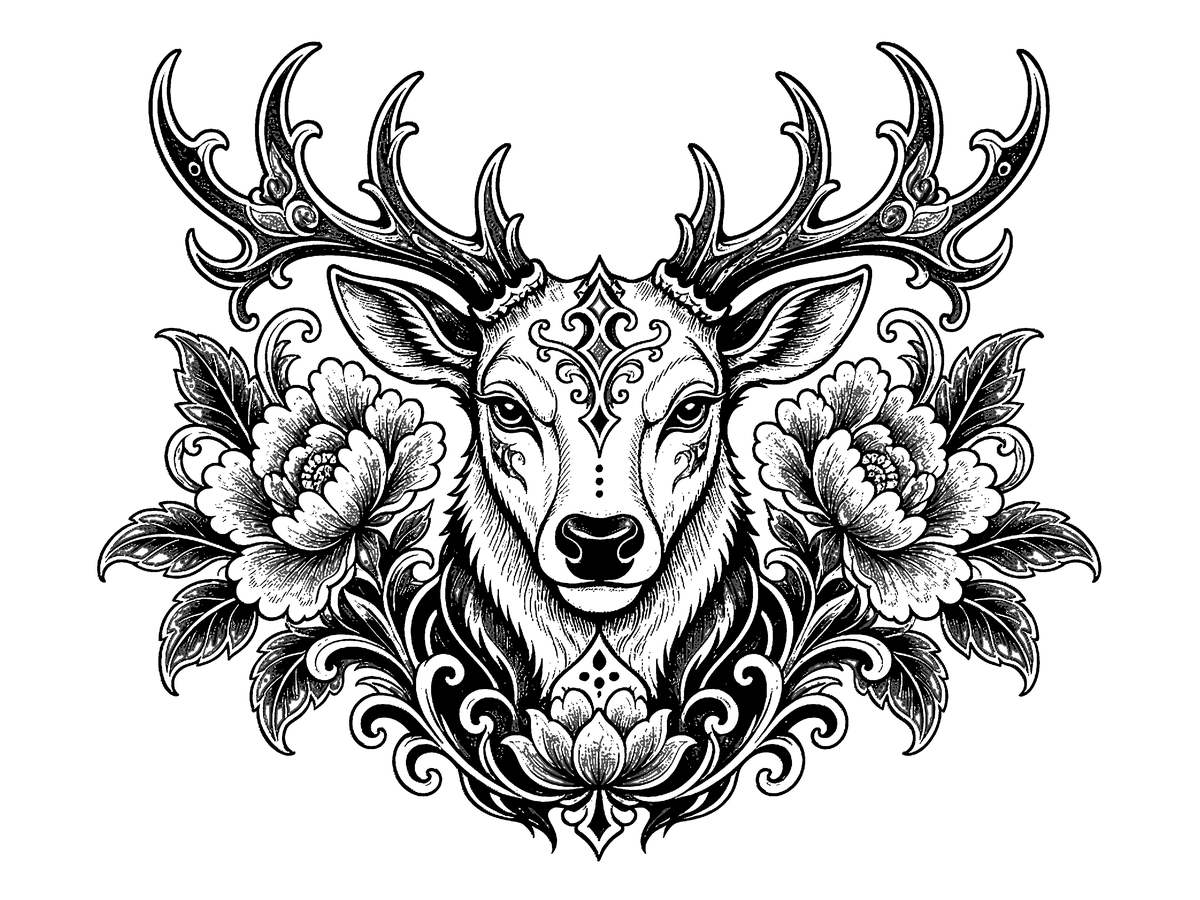
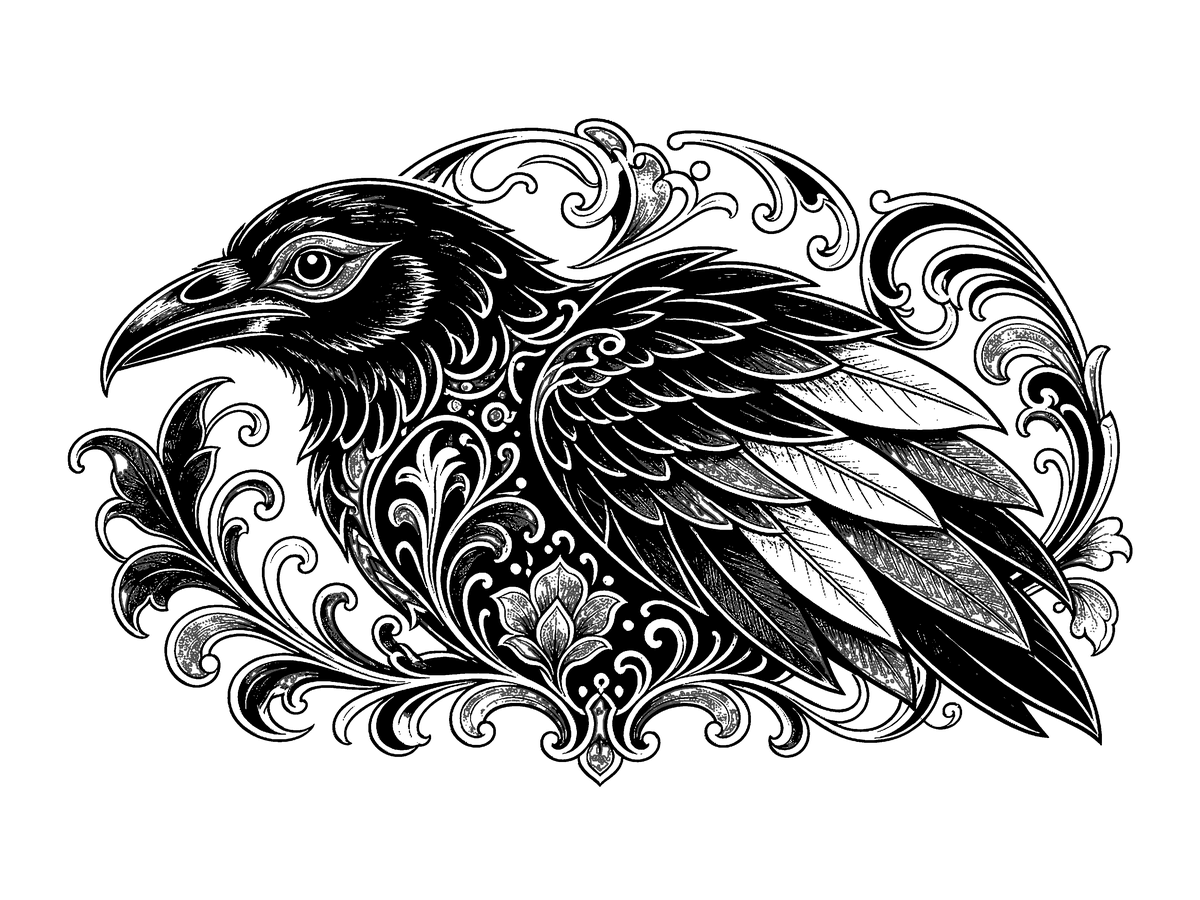


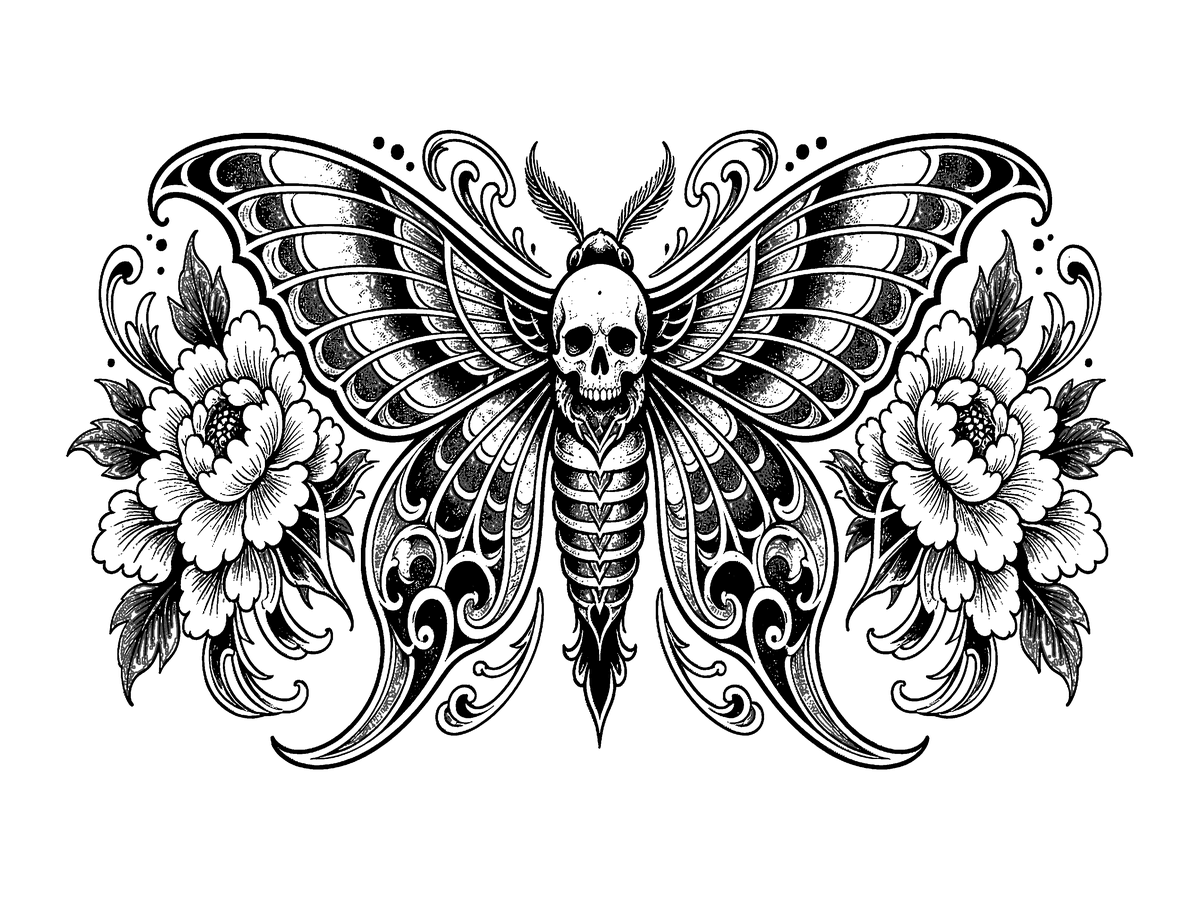
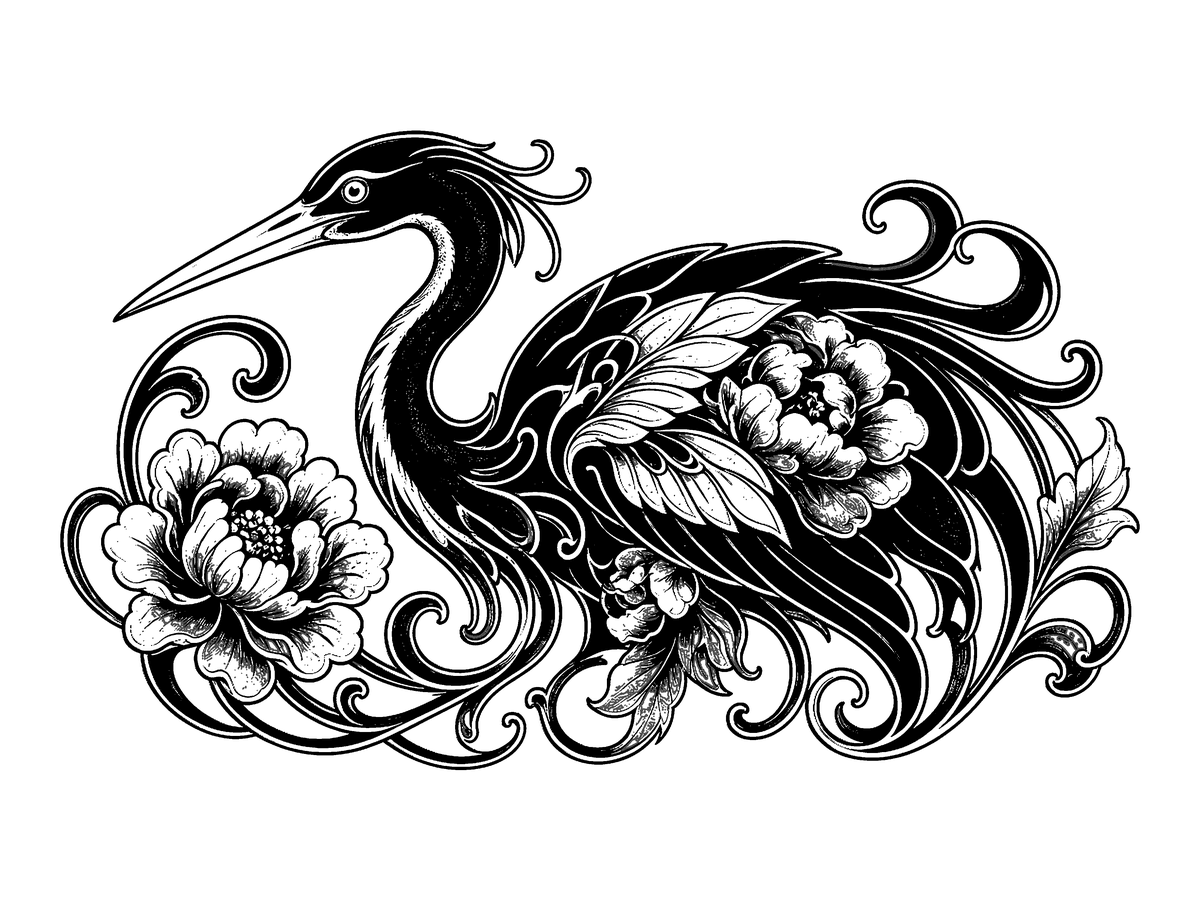
Ouroboros
Free stencil viewer
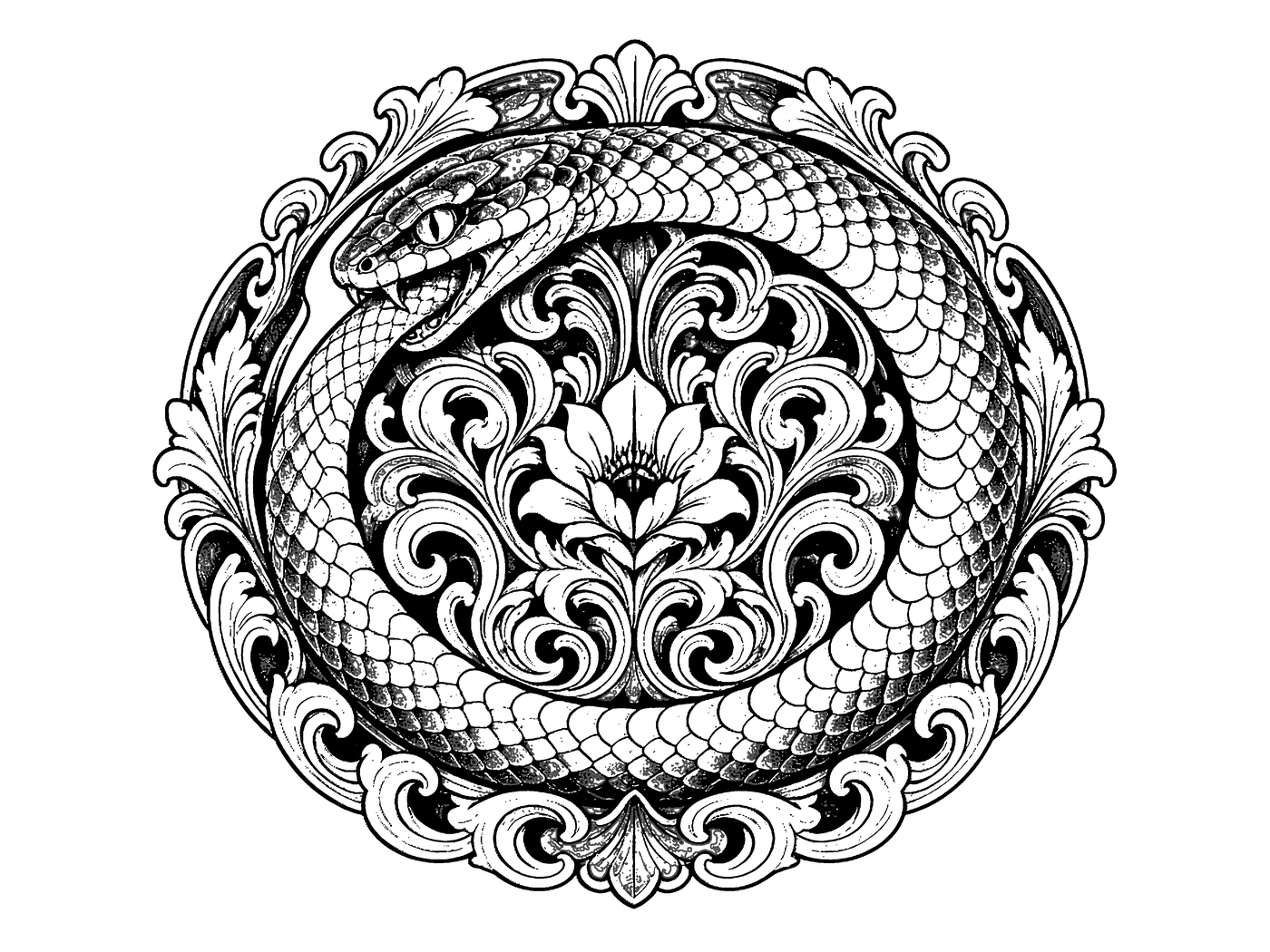
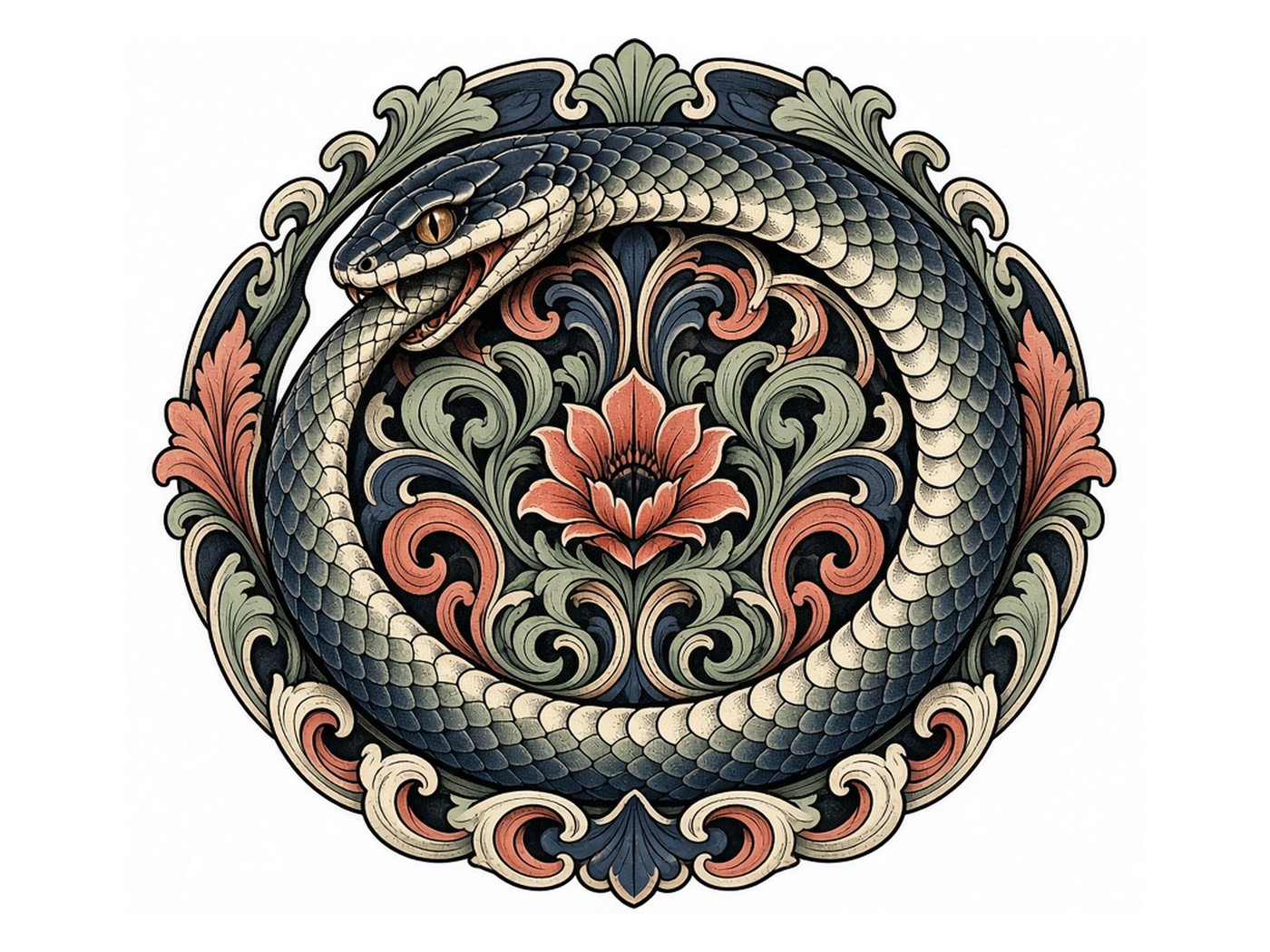
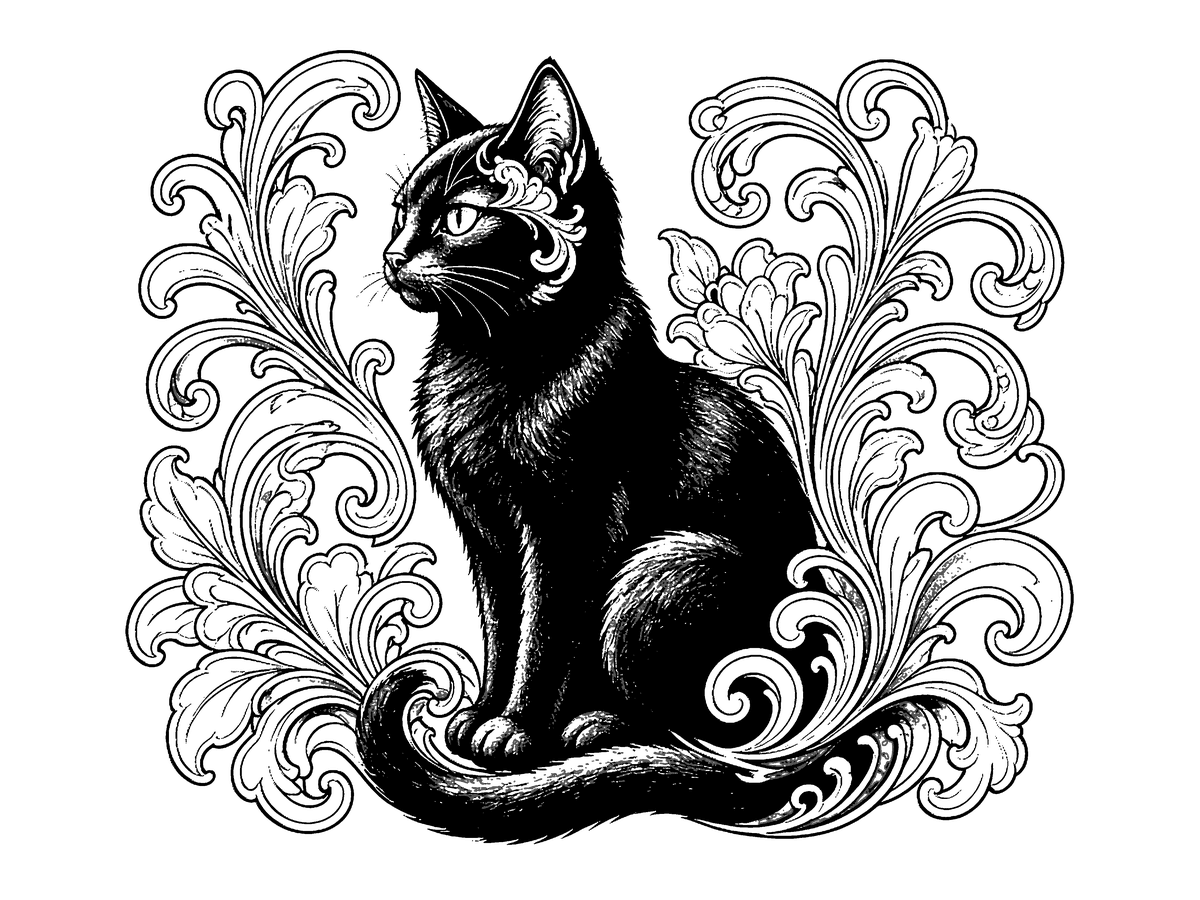
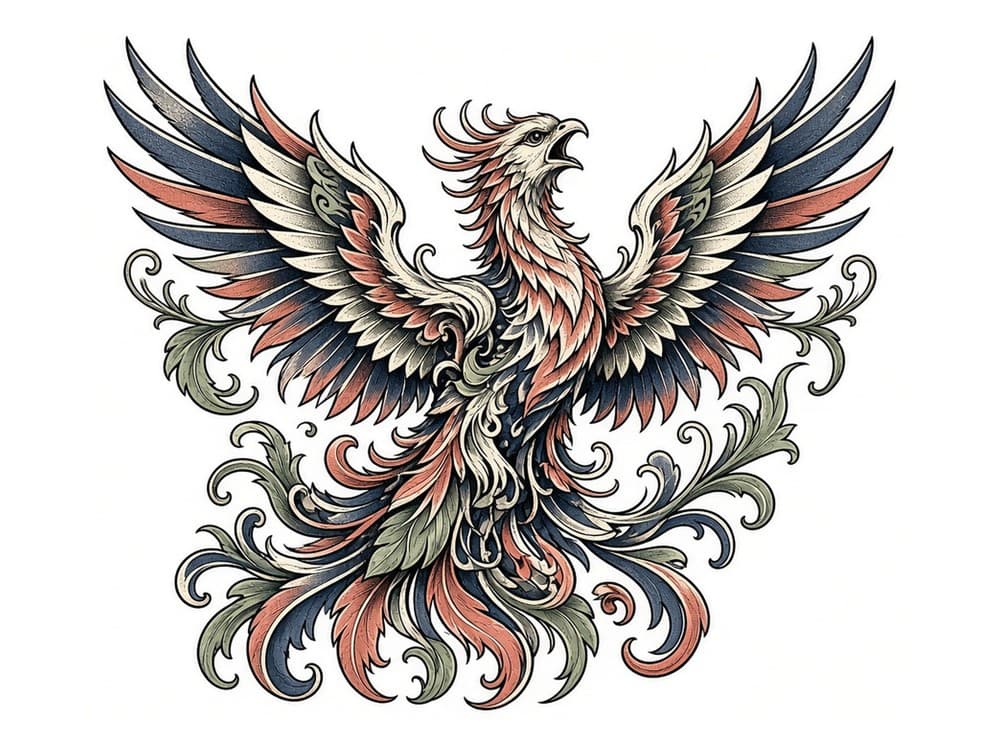
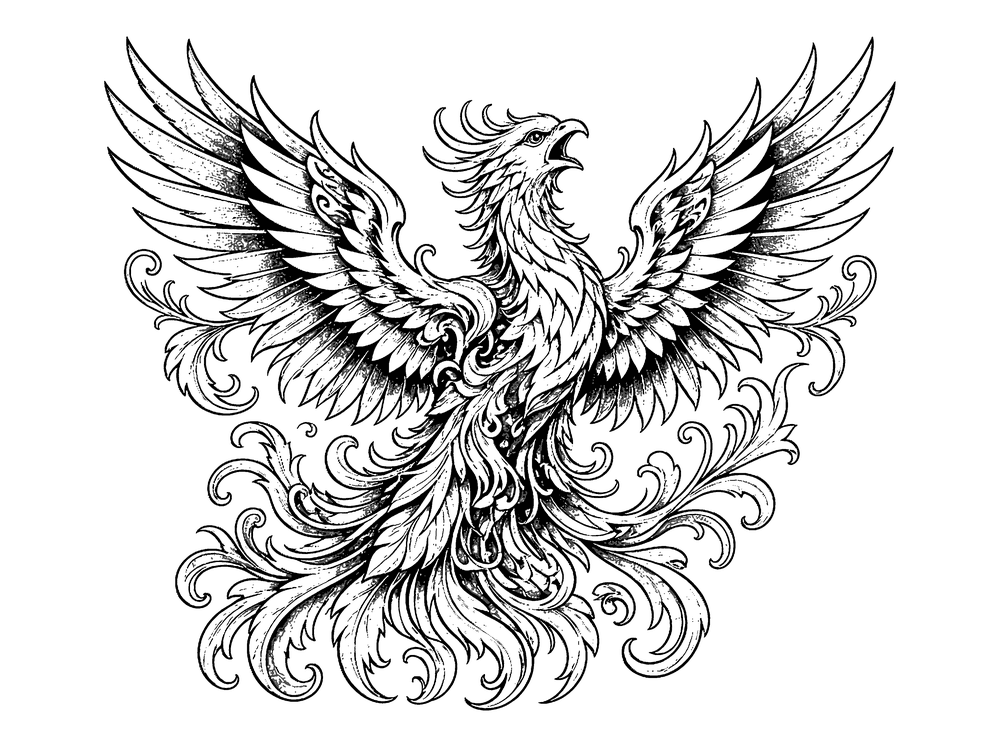
Drag or swipe the divider. Color flash on one side, transfer-ready stencil on the other — the same reveal artists get in the ZIP.
How it works
01
Phone snap or shop reference. Tight crop, decent light.
02
Outline, Standard, or Hatching — pick the line you want on skin.
03
The engine traces a transfer-ready line. Bold, clean, no mush.
04
Take it to the printer or flip it into Tattoo Mode on the stall tablet.
Layers
Retouch studio
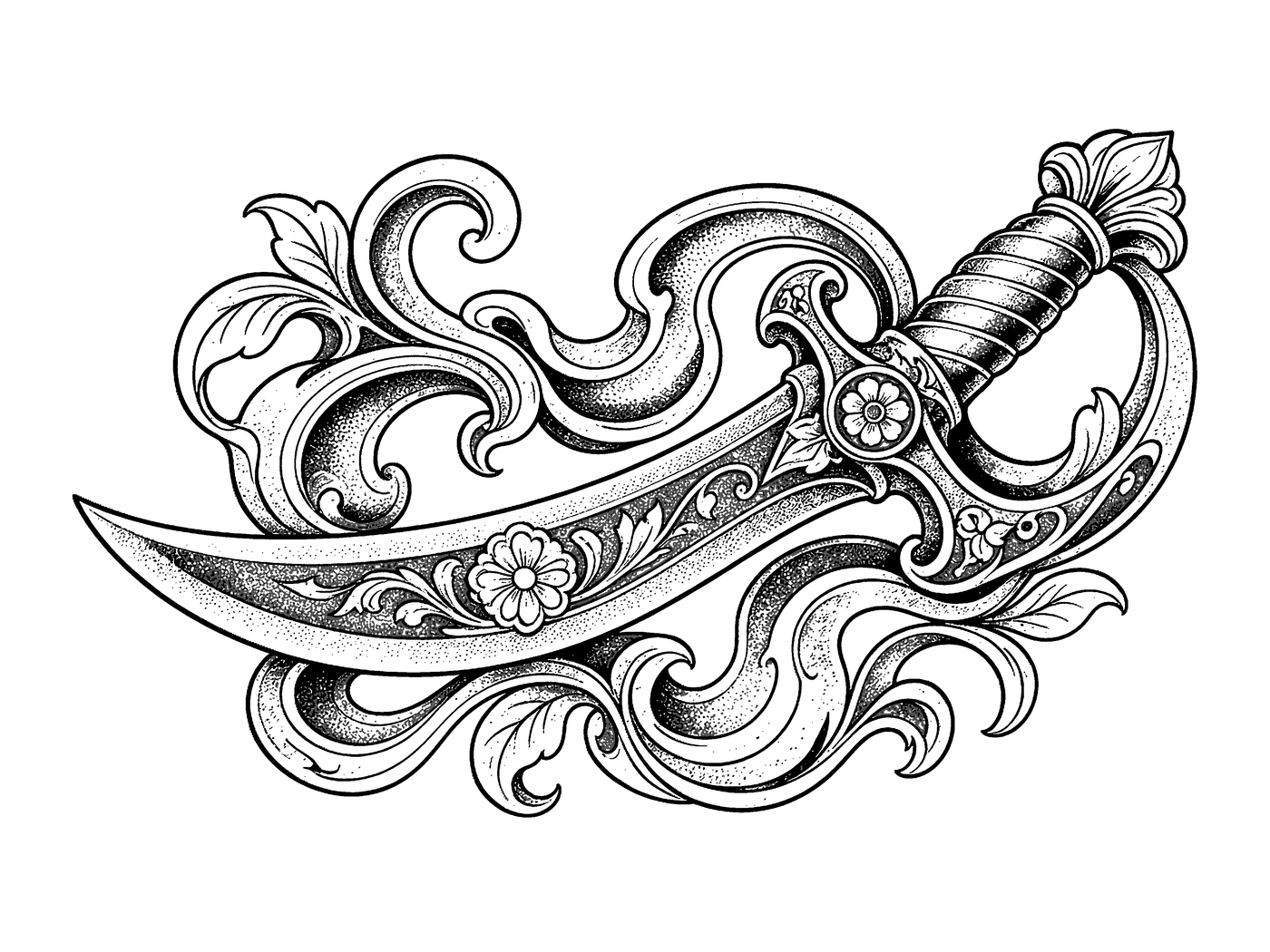
Pencil, eraser, lighten, darken. Size and hardness on the rail. Layers stay split so the line you trust still sits.
This is one feature. The full app is coming.Tattoo Mode
Fullscreen on the stall tablet. Screen stays awake. Twist the opacity dial — photo, stencil, overlay — while the other hand holds the machine.
Open Tattoo Mode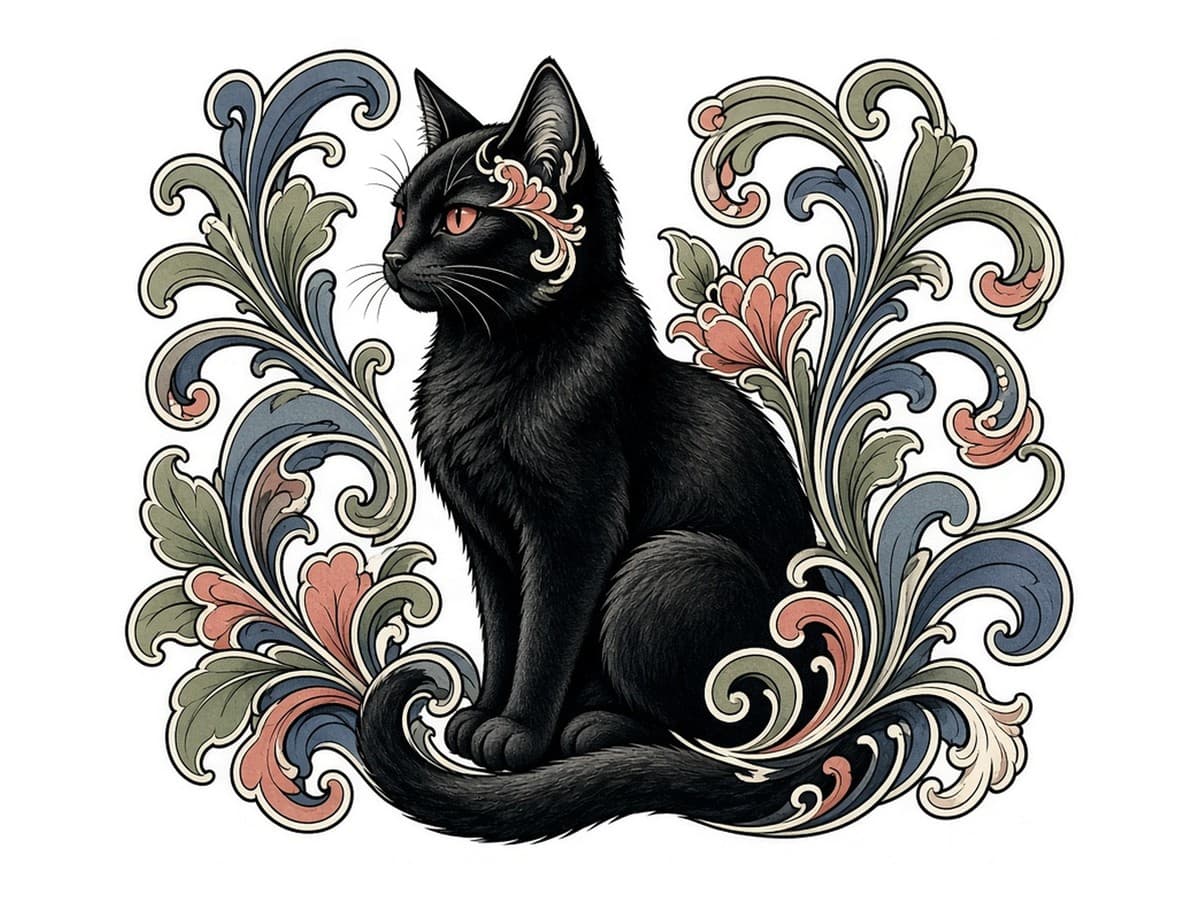
AI conversion
Outline, Standard, or Hatching. The line comes back transfer-ready — no gray wash, no leftover noise.
Gallery
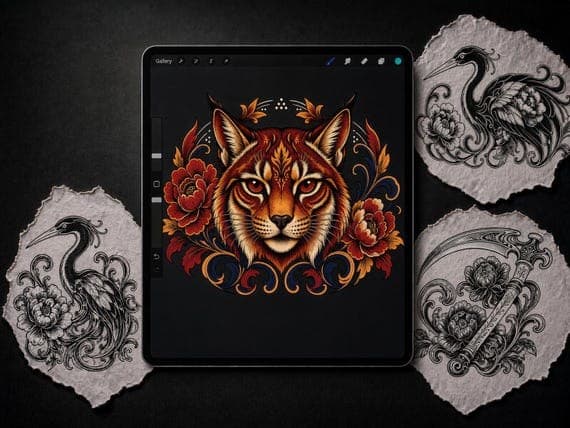
Live DelicateStencils listings. Open a card — you are on Etsy.
DelicateStencils
View on Etsy →
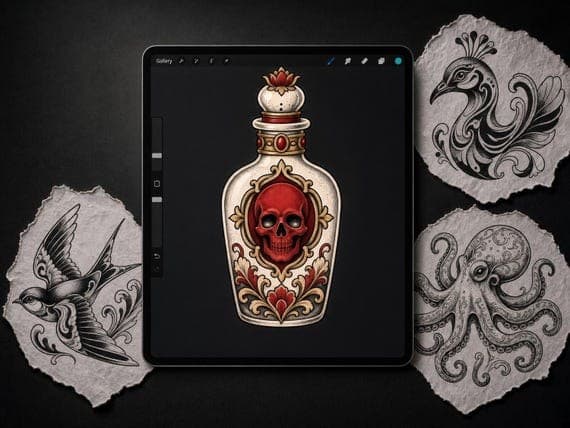
DelicateStencils
View on Etsy →
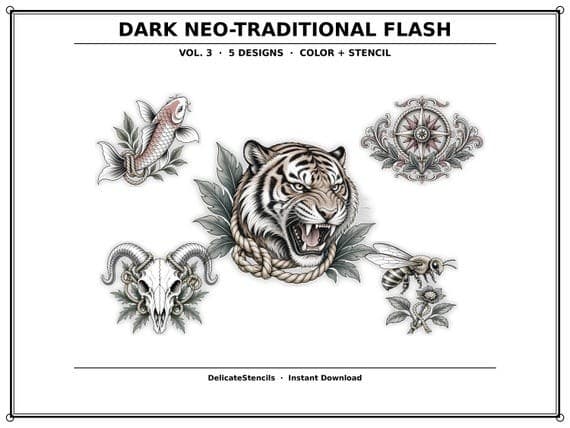
DelicateStencils
View on Etsy →
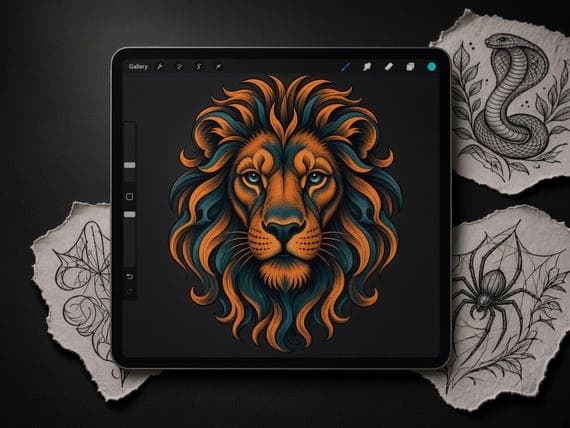
DelicateStencils
View on Etsy →
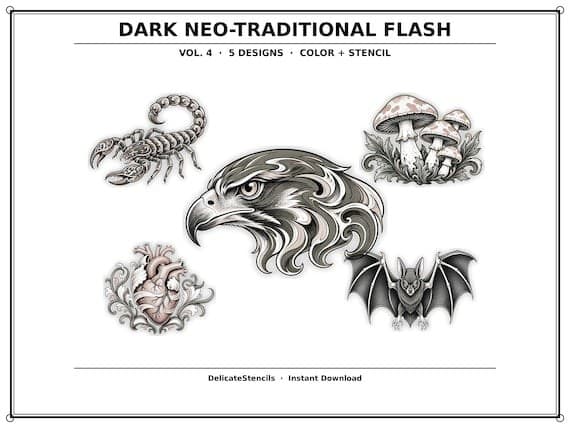
DelicateStencils
View on Etsy →
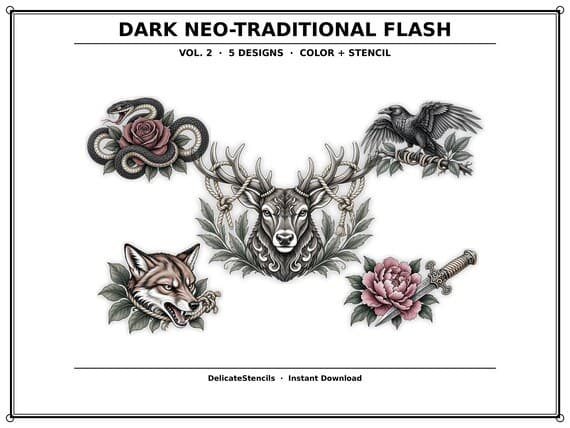
DelicateStencils
View on Etsy →
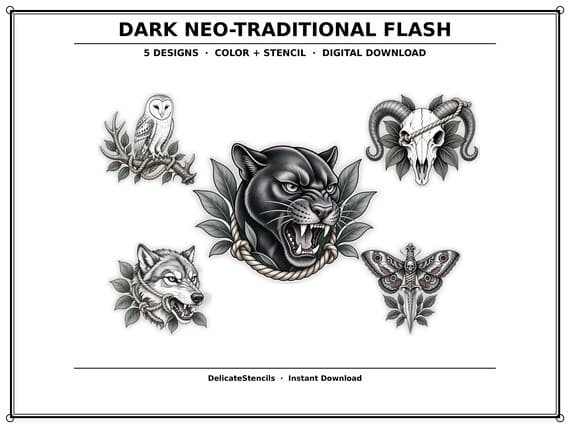
DelicateStencils
View on Etsy →
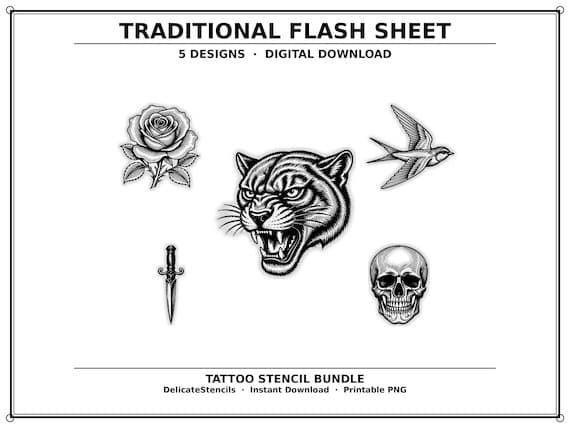
DelicateStencils
View on Etsy →
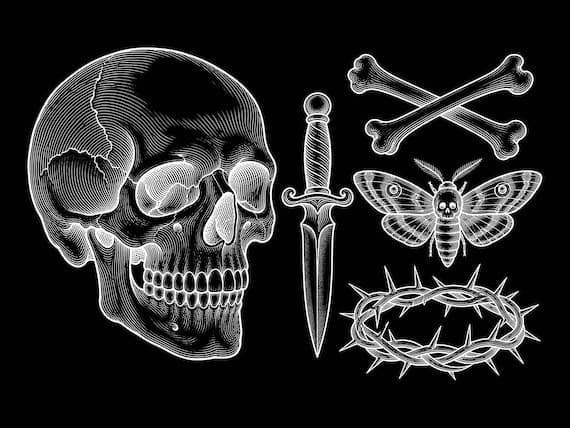
DelicateStencils
View on Etsy →
Pricing
Pay per conversion or go unlimited. Same engine either way.
$0.99one-time
Most popular
$19/ mo
$49/ mo
From the stall
★★★★★
“Used to burn an hour cleaning a reference. This dumps a transfer-ready line in the time it takes to glove up.”
Mara V. · Traditional
★★★★★
“The hatch does not turn into mush. That is the whole game for me.”
J. Cole · Blackwork
★★★★★
“Tattoo Mode on the stall iPad. One swipe, client sees the stencil on skin. Then I start.”
Elena R. · Neotrad
★★★★★
“Print true-to-size finally means the banner fits the forearm I measured this morning.”
Theo K. · Lettering
Meet the team
Senior artist advisor
Taste bar. What leaves the shop.
Lead programmer
Convert pipeline and Tattoo Mode.
Lead artist
Stencil QA and flash curation.
FAQ